For the complete documentation index, see llms.txt. Markdown versions of all docs pages are available by appending .md to any docs URL.
xAI (Grok)
Learn how to configure xAI Grok models for kagent.
Configuring xAI (Grok)
xAI’s Grok models are OpenAI-compatible, so you can use the BYO OpenAI-compatible provider configuration.
- Create a Kubernetes Secret that stores the API key, replace
<your_api_key>with an actual xAI API key:
export XAI_API_KEY=<your_api_key>
kubectl create secret generic kagent-xai -n kagent --from-literal XAI_API_KEY=$XAI_API_KEY- Create a ModelConfig resource that references the secret and specifies the xAI base URL and Grok model:
apiVersion: kagent.dev/v1alpha2
kind: ModelConfig
metadata:
  name: grok-model-config
  namespace: kagent
spec:
  apiKeySecret: kagent-xai
  apiKeySecretKey: XAI_API_KEY
  model: grok-3
  provider: OpenAI
  openAI:
baseURL: https://api.x.ai/v1- Apply the above resource to the cluster.
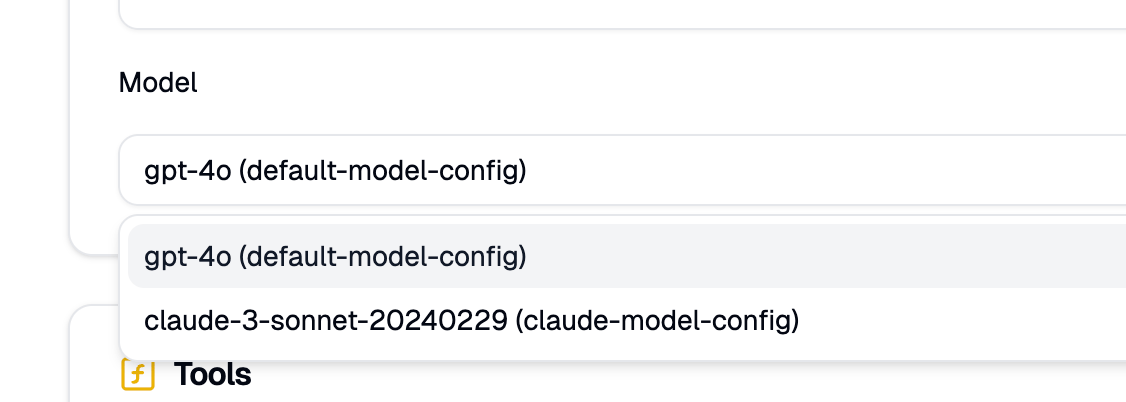
Once the resource is applied, you can select the model from the Model dropdown in the UI when creating or updating agents.