For the complete documentation index, see llms.txt. Markdown versions of all docs pages are available by appending .md to any docs URL.
Creating an agent leveraging documentation
See an example of a kagent agent built to help with documentation-related tasks.
In this example, we’re going to crawl a documentation website, store the content in a vector database and leverage it to answer questions about the documentation.
Create the vector database
We’re going to use the doc2vec project to crawl the MCP documentation website and store the content in a SQLite-vec database.
Clone the doc2vec repo:
git clone https://github.com/kagent-dev/doc2vec.gitInstall the dependencies:
cd doc2vec
npm install
Set the OPENAI_API_KEY environment variable:
export OPENAI_API_KEY=<your key>Update the configuration file to crawl the MCP documentation:
cat <<EOF > config.yaml
sources:
  - type: website
    product_name: 'mcp'
    version: 'latest'
    url: 'https://modelcontextprotocol.io/'
    max_size: 1048576
    database_config:
      type: 'sqlite'
      params:
        db_path: './mcp.db'
EOF
Launch the process:
npm startIt will take several minutes to complete.
Create an MCP server to use the MCP documentation database
Now that we have the database, we can create an MCP server to leverage it.
The goal is to deploy it on Kubernetes to allow our agent to use it.
To simplify the process, we’re going to store the database in the Docker image.
Let’s build and push the Docker image:
cd mcp
cp ../mcp.db .
docker build -t <your docker repository> .
docker push <your docker repository> .
** Important: Dockerfile Modifications Required**
Make sure you add these essential lines to the Dockerfile before building:
# Add this environment variable
ENV SQLITE_DB_DIR=/data

# Create the data directory and copy your database
RUN mkdir -p /data
COPY mcp.db /data/mcp.db

# Update the ownership to include /data
RUN chown -R kagent:nodejs /app /data
These changes ensure the MCP server can locate your custom documentation database in the
/datadirectory.
Deploy the MCP server
Create a Secret for the OpenAI API Key which is going to be used to create the embeddings:
kubectl create secret generic mcp-secrets \
  --from-literal=OPENAI_API_KEY=<your_openai_api_key> \
  -n kagent
Create a ConfigMap for the Database Configuration:
kubectl create configmap mcp-config \
  --from-literal=SQLITE_DB_DIR=/data \
  --from-literal=PORT=3001 \
  -n kagent
Create a file named deployment.yaml:
apiVersion: apps/v1
kind: Deployment
metadata:
  name: mcp-sqlite-vec
  namespace: kagent
  labels:
    app: mcp-sqlite-vec
spec:
  replicas: 1
  selector:
    matchLabels:
      app: mcp-sqlite-vec
  template:
    metadata:
      labels:
        app: mcp-sqlite-vec
    spec:
      containers:
      - name: mcp-sqlite-vec
        image: <your docker repository>
        imagePullPolicy: Always
        ports:
        - containerPort: 3001
        env:
        - name: OPENAI_API_KEY
          valueFrom:
            secretKeyRef:
              name: mcp-secrets
              key: OPENAI_API_KEY
        - name: SQLITE_DB_DIR
          valueFrom:
            configMapKeyRef:
              name: mcp-config
              key: SQLITE_DB_DIR
        - name: PORT
          valueFrom:
            configMapKeyRef:
              name: mcp-config
              key: PORT
Apply it:
kubectl apply -f deployment.yamlCreate a file named service.yaml:
apiVersion: v1
kind: Service
metadata:
  name: mcp-sqlite-vec
  namespace: kagent
spec:
  selector:
    app: mcp-sqlite-vec
  ports:
  - port: 3001
    targetPort: 3001
  type: ClusterIP
Apply it:
kubectl apply -f service.yamlUse the MCP server in kagent
You can configure the MCP server in kagent using either the web UI or YAML manifests.
Option 1: Using the kagent dashboard
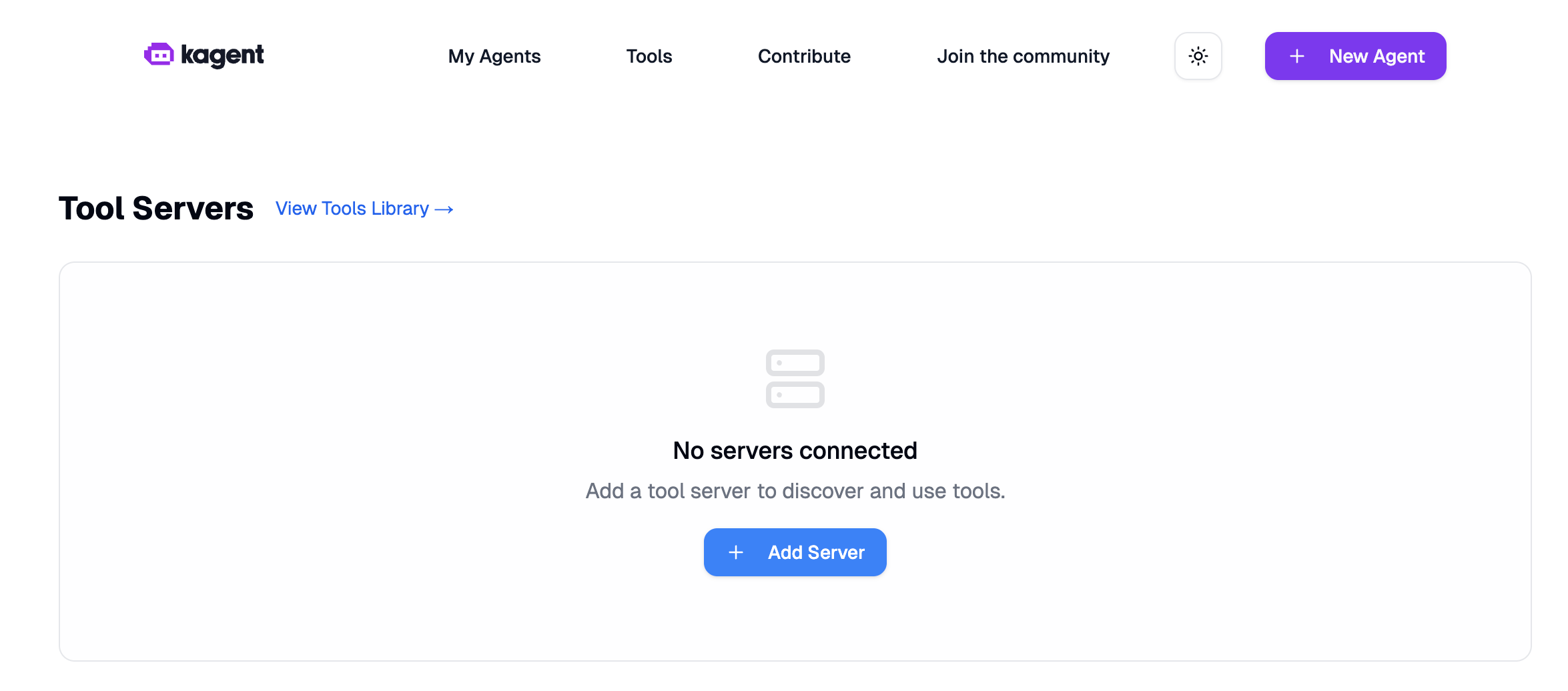
In the kagent UI, click on the Create dropdown menu and select New Tool Server.
Call it sqlite-vec.
Select URL and use http://mcp-sqlite-vec.kagent:3001/mcp.
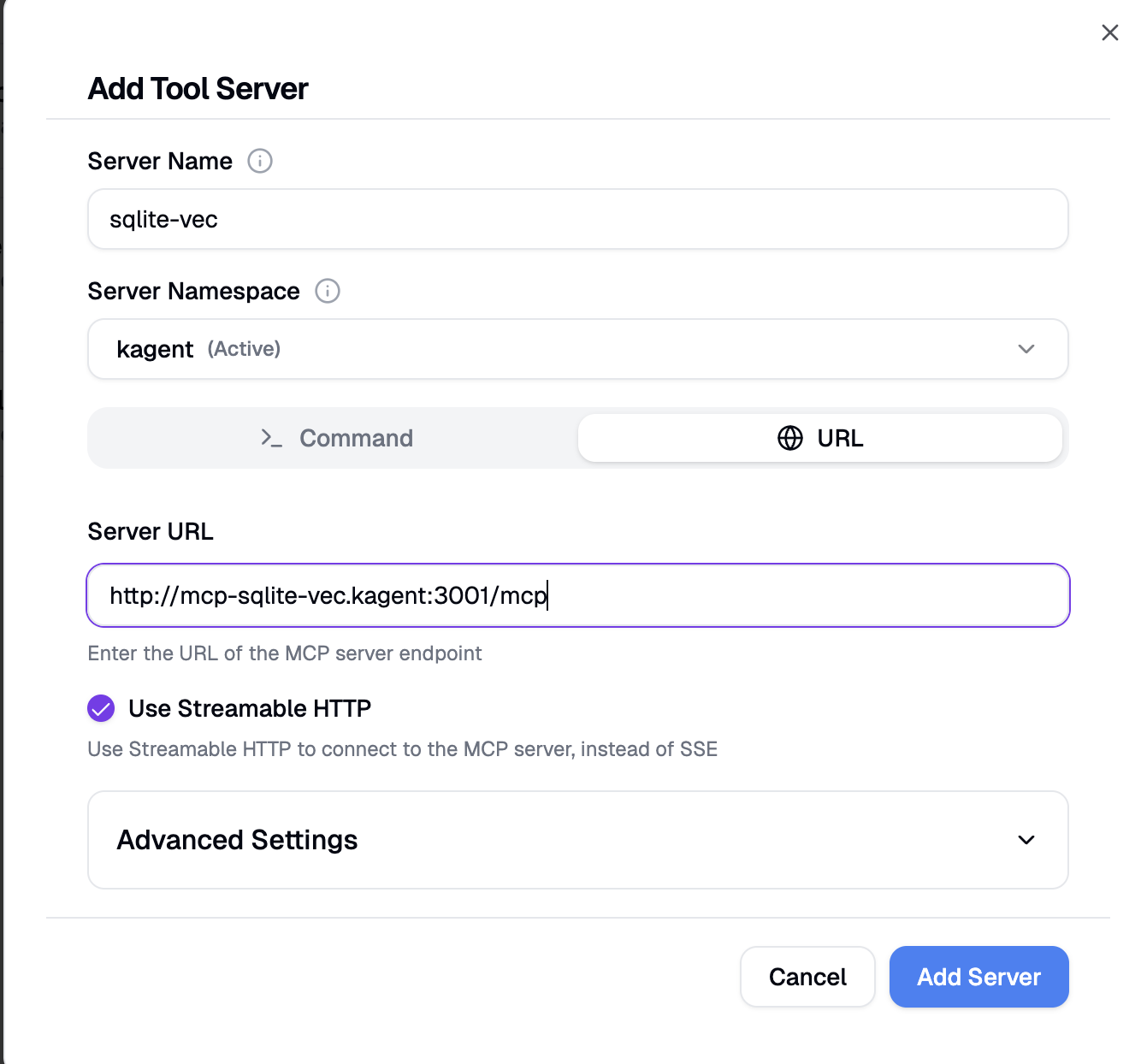
Click on Add Server.
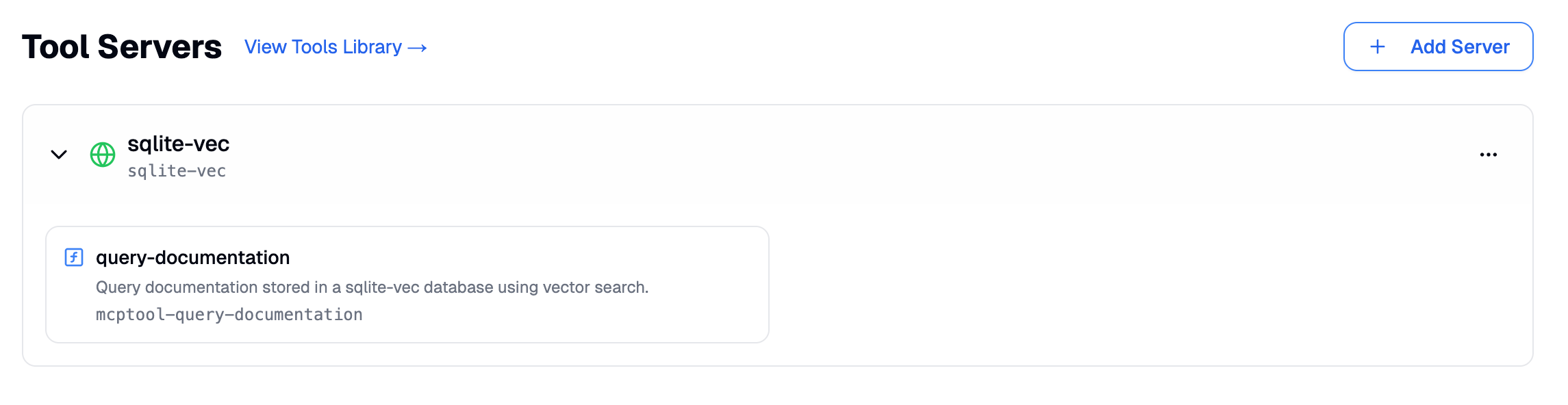
After refreshing the page, you should see the query-documentation tool being discovered.
Option 2: Using YAML CRDs
Create a remote-mcpserver.yaml file:
apiVersion: kagent.dev/v1alpha2
kind: RemoteMCPServer
metadata:
  name: live-demo
  namespace: kagent
status:
spec:
  description: ''
  protocol: STREAMABLE_HTTP
  sseReadTimeout: 5m0s
  terminateOnClose: true
  timeout: 5s
  url: http://mcp-sqlite-vec.kagent:3001/mcp
Apply the ToolServer:
kubectl apply -f toolserver.yamlCreate the MCP agent
Option 1: Using the kagent dashboard
Click on the Create dropdown menu and select New Agent.
Use the following information:
- Agent Name: mcp-agent
- Description: The MCP agent is answering questions about MCP, using the MCP documentation
- Agent Instructions: Use your tool to answer any question about the Model Context Protocol (MCP). Use
mcpfor the product andlatestfor the version.
Click on Add Tools.
Select the query-documentation tool.
Option 2: Using YAML CRDs
Create an agent.yaml file:
# kagent Agent Configuration
# This defines an AI agent that can answer questions about MCP documentation
apiVersion: kagent.dev/v1alpha2
kind: Agent
metadata:
  name: sqlite-vec
  namespace: kagent
spec:
  declarative:
    modelConfig: default-model-config
    stream: true
    systemMessage: ' Use your tool to answer any question about the Model Context Protocol (MCP). Use mcp for the product and latest for the version'
    tools:
      - mcpServer:
          apiGroup: kagent.dev
          kind: RemoteMCPServer
          name: live-demo
          toolNames:
            - query_documentation
        type: McpServer
  description: |
    The MCP agent is answering questions about MCP, using the MCP documentation
  type: Declarative
Apply the Agent:
kubectl apply -f agent.yaml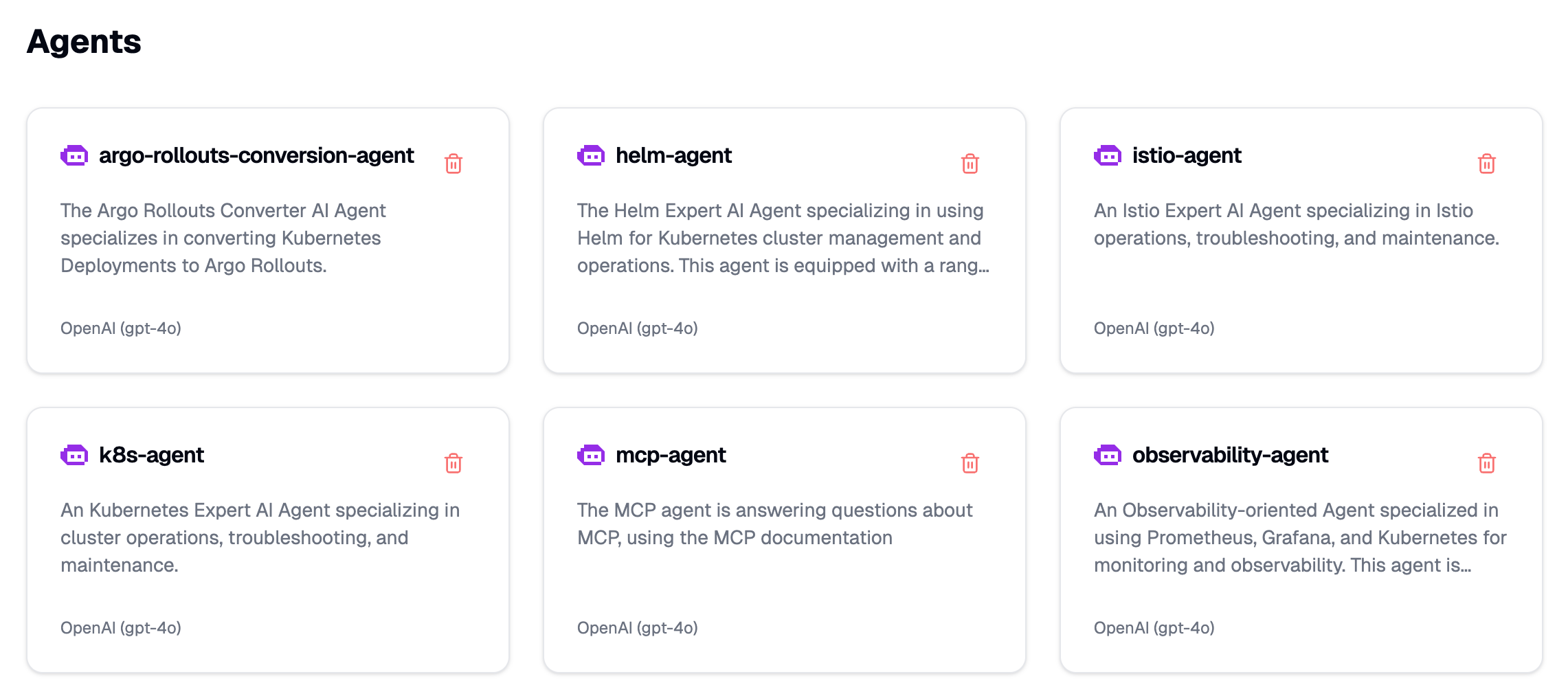
Congratulations, the agent is ready!
Use the MCP agent
Click on the agent and ask a question.
For example, How can you build an MCP server using sse?
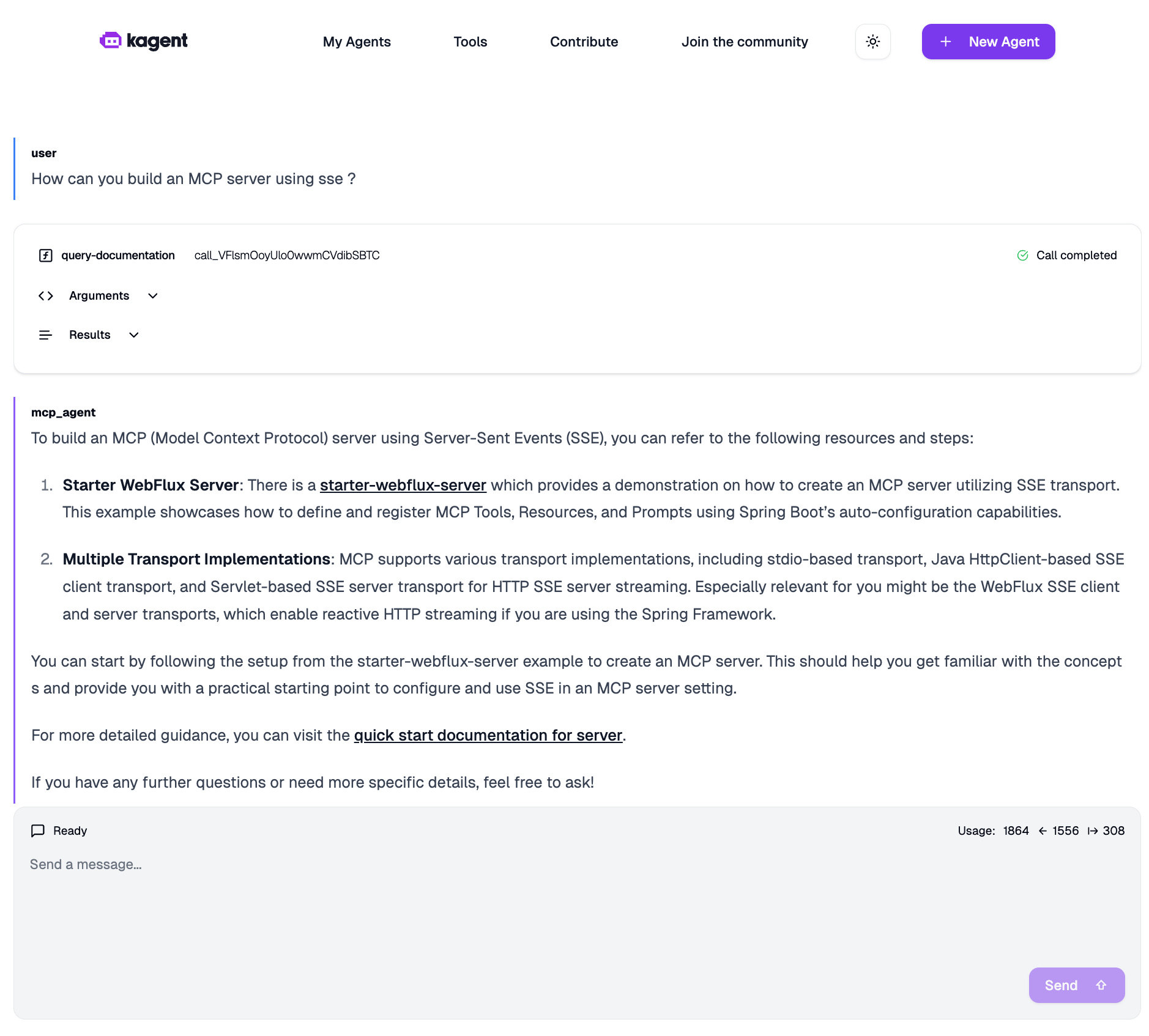
As you can see, the agent has used the query-documentation tool to answer the question.